Description
what is i t ?
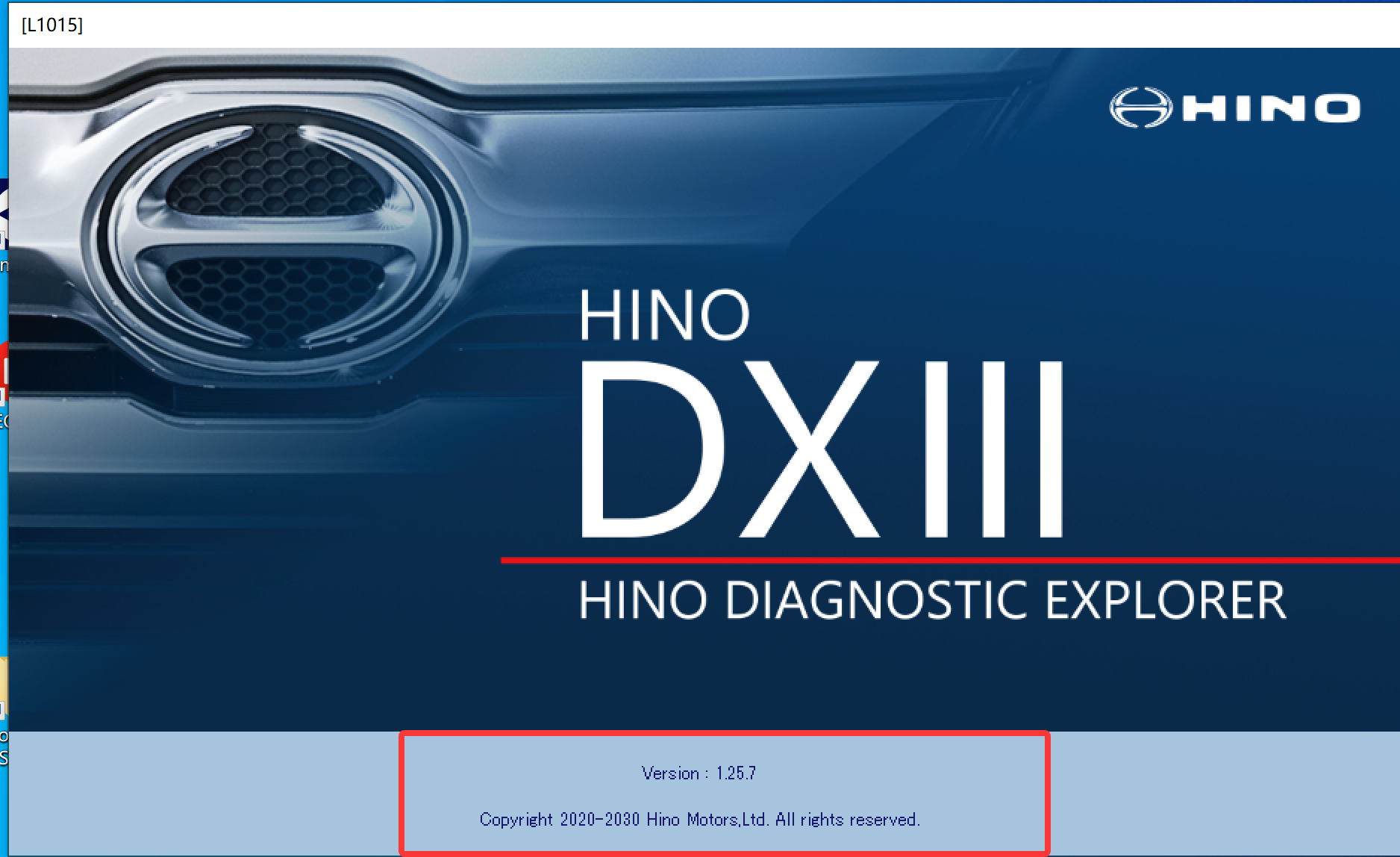
The HINO Diagnostic eXplorer DX3 is a tool equipped with all the functions needed to diagnose trouble, check functions, and configure the settings of the electronic systems built into HINO engines.
Main functions:
– Simulates diagnostic work with only a PC (Simulation function).
– Obtains conditions when vehicle sensor problems (freeze frame function) occur.
– Acquires and deletes trouble data.
– Warps the trouble codes read from the ECU to workflow sequences corresponding diagnostic and directly displays the required data diagnosis.
– Monitors the sensors and actuators equipped on the engine (monitor function data) and tests the operation of the solenoid valves to force operating them (Active Test function).
– Automatically saves the data from the ECU and analyzes the problems based on the stored data even when you can not understand the cause of the problems and many others.
Hino DX3 DX III App info:
HINO DX3 Update History:
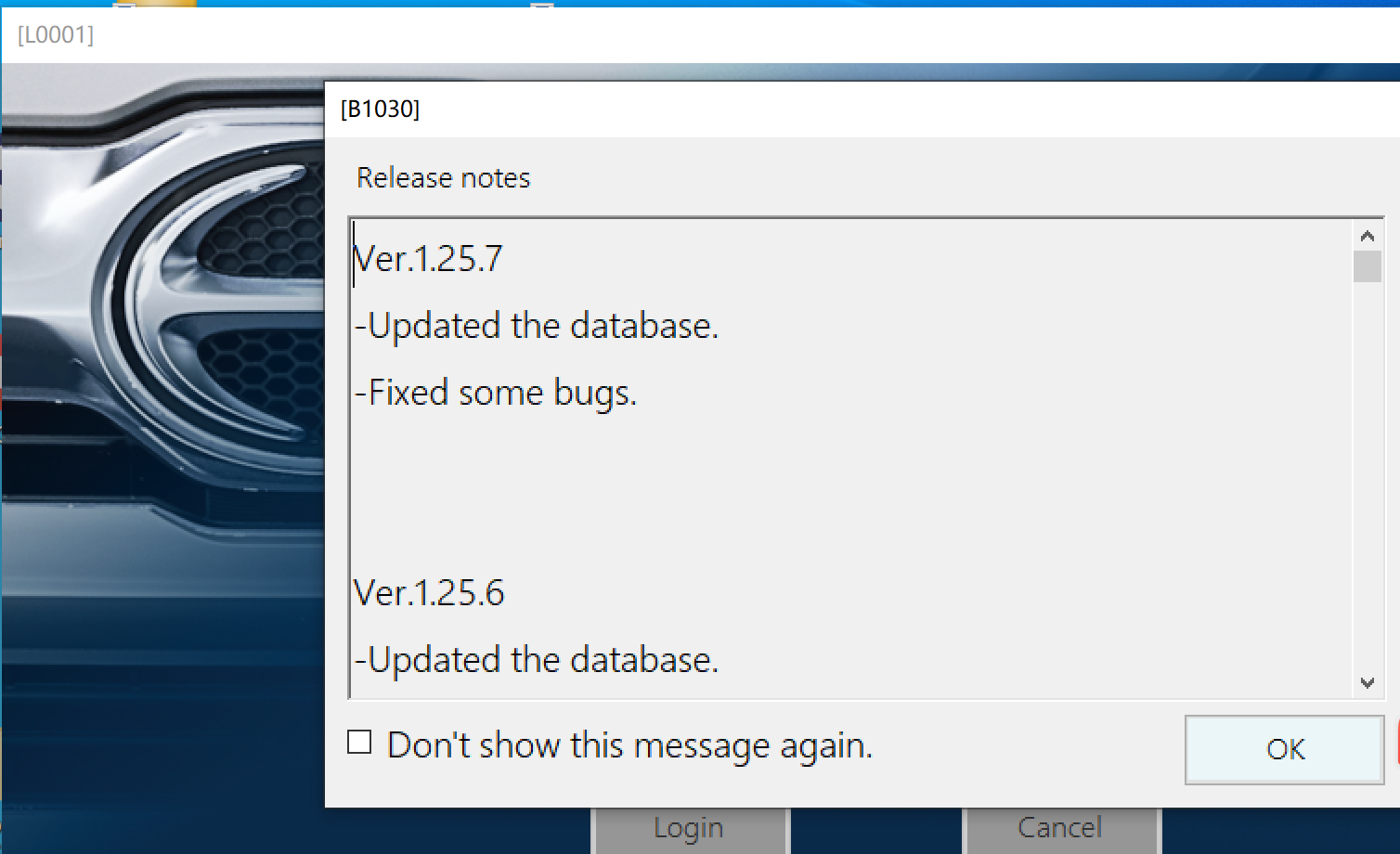
Ver.1.25.7
-Updated the database
-Fixed some bugs
Ver.1.25.6
Updated the database.
Fixed some bugs.
Ver.1.25.5
Updated the database.
Fixed some bugs.
Ver.1.25.4
Updated the database.
Fixed some bugs.
Ver.1.25.3
-Updated the database.
1)Supports new DUTRO diagnostic function
Vehicle Section:300 series Emission Regulation:2*G (2t/25MY-)
-Fixed some bugs.
Ver.1.25.2
-Updated the database.
-Fixed some bugs.
Ver.1.25.1
-Updated the database
-Fixed some bugs
Ver.1.24.5
– Strengthened security measures to prevent unauthorized logins.
– Updated the database.
Ver.1.24.4
-Updated the database.
-Fixed some bugs.
1) Changed refresh after reprogramming to optional.
2) Added support for WABCO ABS diagnosis when using DST-010.
Ver.1.24.3
Updated the database.
Fixed some bugs.
1) When searching for diagnosis history on the GSPS side,some information is not displayed in the vehicle classification in the search results.
Ver.1.24.2
-Fixed some bugs.
Ver.1.24.1
-Updated the database.
-Fixed some bugs.
Ver.1.23.10
-Updated the database.
-Fixed some bugs.
Ver.1.23.9
-Updated the database.
-Fixed some bugs.
-Some devices that cannot be diagnosed by Denso’s interface “DST-010” can now be supported.
Ver.1.23.8
-Updated the database.
-Fixed some bugs.
Ver.1.23.7
-Updated the database.
-Fixed some bugs.
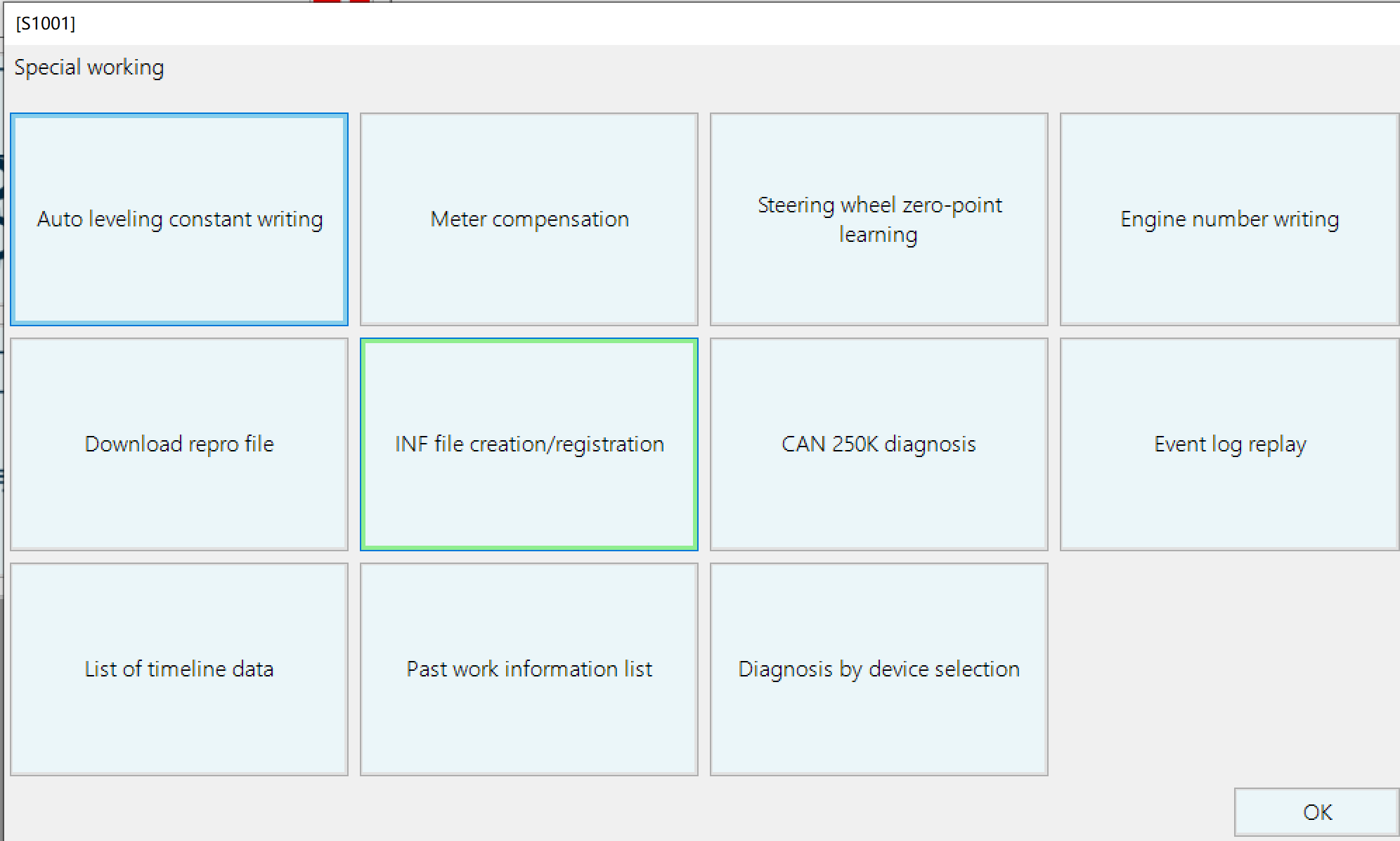
-Implemented a function conforming to “Past work information” of Hino DXII.
Follow the steps below to check.
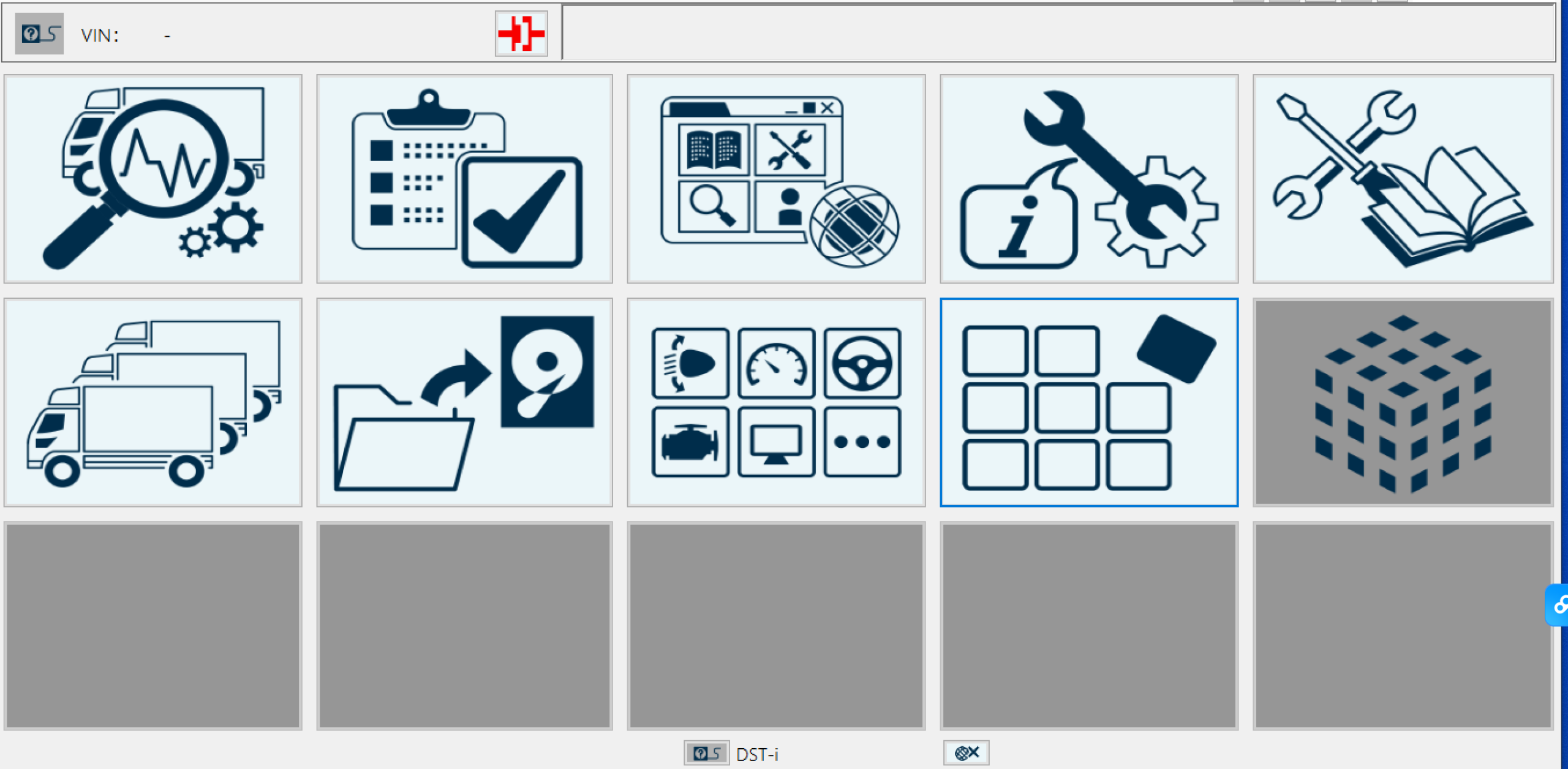
HOME screen – Special working – Past work information list
-Since the repro work after replacing the supply engine is different for the ECU direct engine and the non-direct engine, the explanation of each work content is described in the “Notes” column.
Ver.1.23.6
-Updated the database.
-Fixed some bugs.
Ver.1.23.5
-Updated the database.
-Fixed some bugs.
Ver.1.23.4
-Updated the database.
-Fixed some bugs.
-Vehicle reconnection prevention function has been implemented.
1) If the connection with the vehicle cannot be confirmed for a certain period of time during the diagnosis, a confirmation screen will appear prompting you to check the connection status of the connectors and cables.
After the confirmation screen is displayed, screen operations are restricted until the connection with the vehicle is confirmed.
*The connection is checked when operating the screen, and if it can be confirmed, the operation will be executed, and if it cannot be confirmed, the confirmation screen will be displayed again.
2) When checking the connection after the confirmation screen is displayed, if a connection to another vehicle is detected, a warning screen will be displayed and the diagnosis will end.
-When accessing GSPS from the HINO DXⅢ screen, it is no longer necessary to enter the ID/PW on the browser side. (Digital certificate selection is still required)
This function is only compatible with Microsoft Edge.
If you are using a browser other than Microsoft Edge, please switch to Microsoft Edge.
-The screen display when referring to the device information installed in the vehicle learned in the past has been changed.
Before) Confirm the connection of only the referenced device, and display only the referenced device on the system selection screen
After) Confirm the connection of only the referenced device, and display it on the system selection screen including other devices than the referenced device
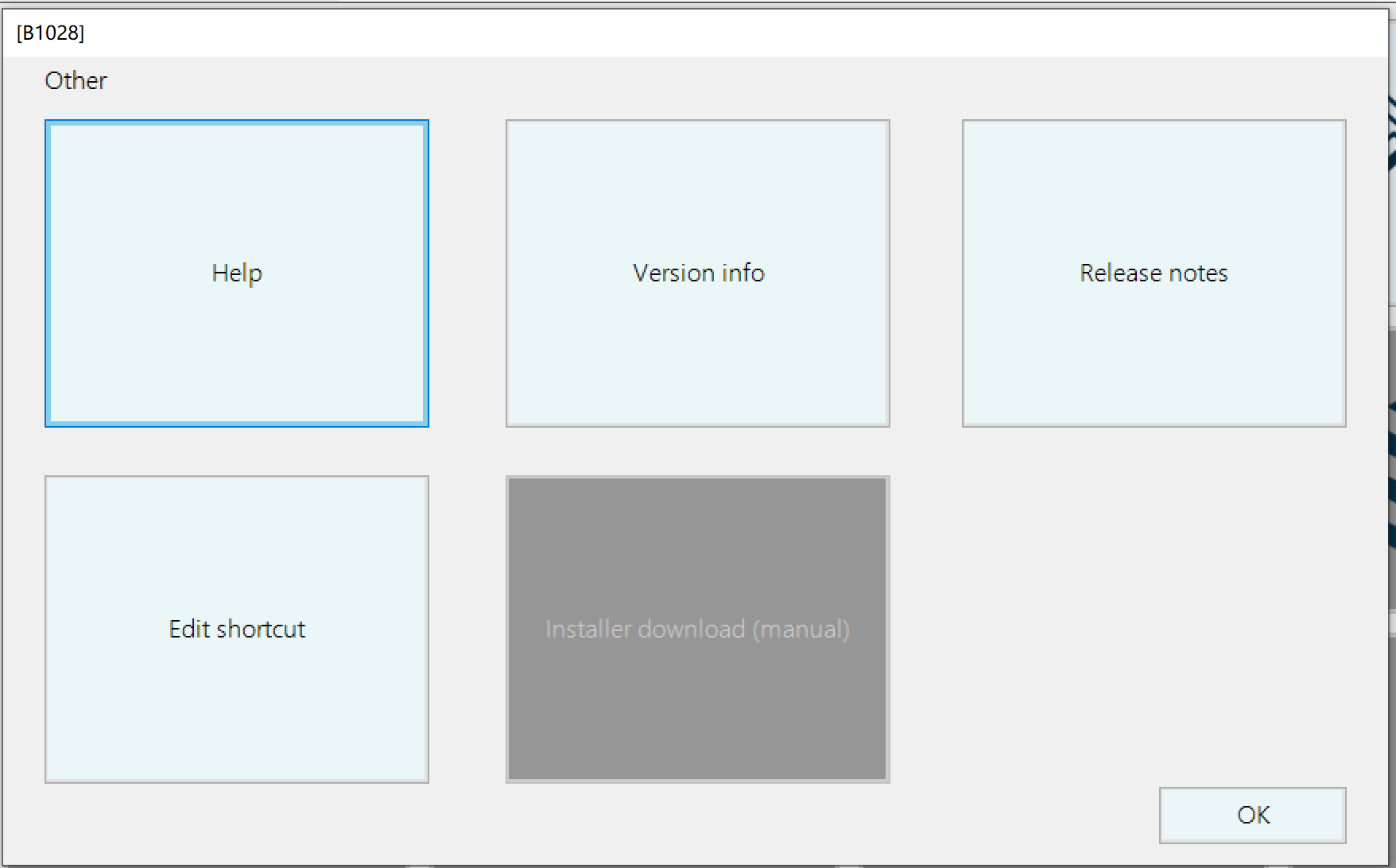
-Implemented the installer manual download function. (in the “Other” function)
User can check the installer version update status at any time.
Ver.1.23.3
-Updated the database.
-Fixed some bugs.
-Active test can now be performed even when the data monitor item is selected and the data monitor is not being executed.
*To start the data monitor, it is necessary to end the active test once.
-System information and memo contents of the played file are now displayed on the data monitor playback screen.
Ver.1.23.2
-Updated the database.
-Fixed some bugs.
Ver.1.23.1
-Updated the database.
-Fixed some bugs.
-Added language support. (Vietnamese)
Ver.1.22.12
-Updated the database.
-Fixed some bugs.
Ver.1.22.11
-Fixed some bugs.
Ver.1.22.10
-Updated the database.
-Fixed some bugs.
Ver.1.22.9
-Updated the database.
-Fixed some bugs.
Ver.1.22.8
-Updated the database.
-Fixed some bugs.
Ver.1.22.7
-Updated the database.
-Fixed some bugs.
Ver.1.22.6
-Fixed a bug in the data transmission / reception function with the server.
Ver.1.22.5
-Function addition
A print function for timeline data (work history) has been added to “Special working”.
Ver.1.22.4
-Updated the database.
Ver.1.22.3
-Updated the database.
Ver.1.22.2
-Updated the database.
Ver.1.22.1
-HINO DXⅢ has been released.